Spam Calls: How to Protect Your Peace and Your Privacy

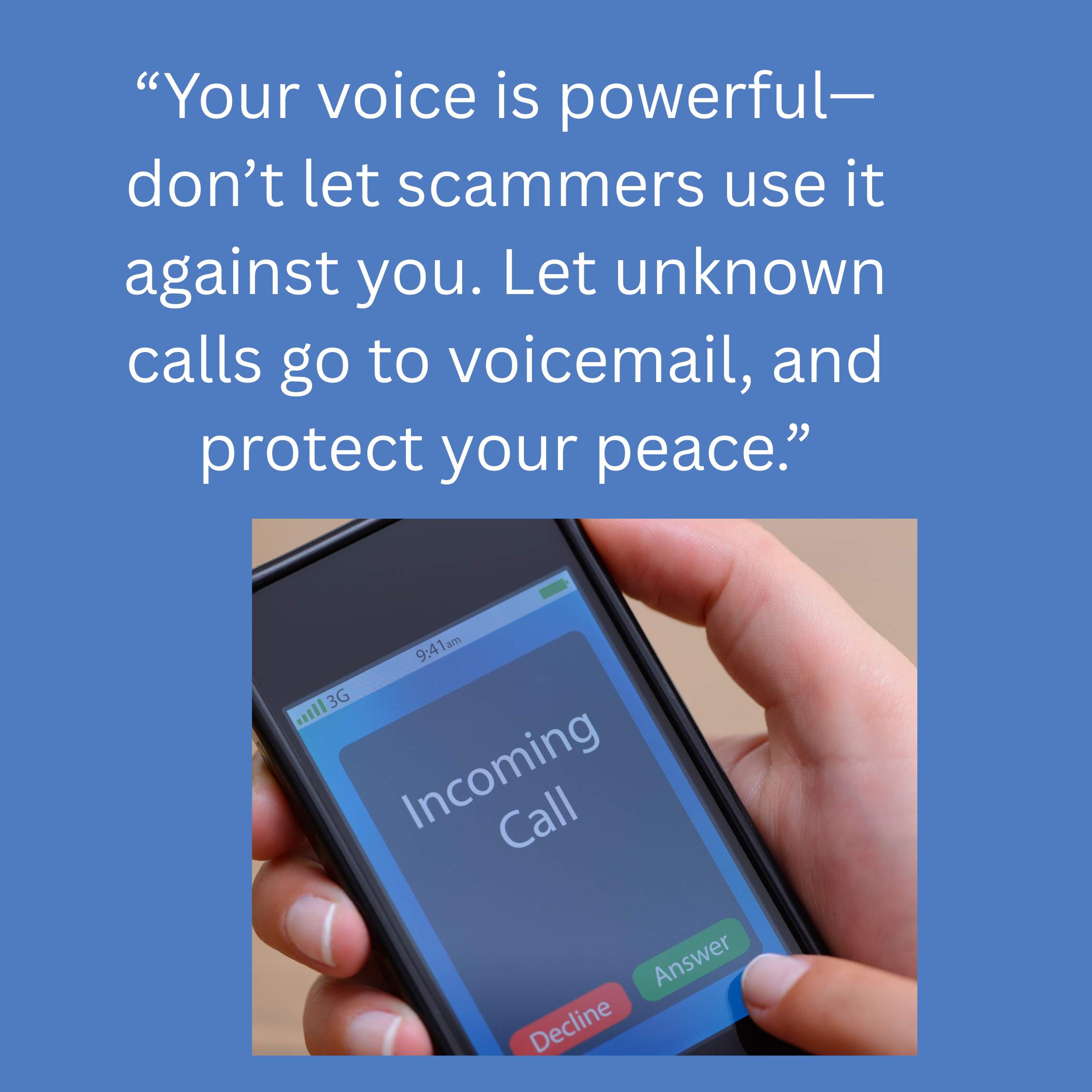
Spam calls are more than just a daily annoyance—they’re a growing threat to your privacy, security, and peace of mind. Whether you’re using an iPhone, Android, or a traditional landline, understanding the risks and taking proactive steps can help you stay safe, informed, and in control.
🚨 Why Spam Calls Are a Problem
- Sheer Volume: Americans receive billions of robocalls each year, many of which are scams or deceptive marketing.
- Scam Tactics: Fraudsters impersonate banks, government agencies, or tech support to trick you into sharing personal info.
- Voice Phishing (Vishing): Some scammers record your voice to use in AI-driven impersonation scams.
- Persistent Targeting: If you answer, your number may be marked as “active,” triggering even more spam calls.
📱 iPhone Users: Built-In Defenses
Apple offers several tools to help you block or silence unwanted calls:
- Silence Unknown Callers: Sends calls from numbers not in your contacts straight to voicemail. Enable it in Settings > Phone > Silence Unknown Callers.
- Call Blocking & Identification: Use third-party apps like Hiya, Truecaller, or RoboKiller to detect and block spam calls.
- Manual Blocking: Tap a number in your Recents list, scroll down, and tap Block this Caller.
- Carrier Tools: Many mobile providers offer spam protection services—check with yours to activate them.
🤖 Android Users: Smart Spam Protection
Most Android phones come with Google’s Phone app, which includes powerful spam-blocking features:
- Caller ID & Spam Protection: Warns you about suspected spam callers before you answer. Enable it in Phone app > Settings > Caller ID & Spam.
- Call Screen: Lets Google Assistant answer unknown calls and transcribe the caller’s response in real time.
- Block Unknown/Private Numbers: Prevents hidden numbers from ringing your phone.
- Manual Blocking: Tap a number in your call history and select Block/report spam.
- Do Not Disturb Mode: Allows only calls from your contacts or starred numbers.
If your Android device doesn’t have Google’s Phone app, third-party apps like RoboKiller, Truecaller, and Hiya offer advanced spam detection and call filtering.
☎️ Landline Users: Old-School Protection
- National Do Not Call Registry: Register your number at donotcall.gov to reduce legitimate telemarketing calls.
- Call-Blocking Devices: Hardware like CPR Call Blocker can screen and reject known spam numbers.
- Phone Provider Services: Ask your provider about spam filtering or blocking options.
⚠️ Can Scammers Hack Your Phone Just by Calling?
No—simply answering a spam call does not give hackers access to your phone. But here’s where it gets risky:
- If you engage with the caller, they may trick you into revealing sensitive info.
- If you download an app or click a link they suggest, you could install malware.
- If you speak, your voice could be recorded and used in impersonation scams.
Bottom line: The danger isn’t in the call itself—it’s in what you say or do next.
✅ Best Practices to Stay Safe
- Let unknown numbers go to voicemail.
- Never share personal info unless you initiated the call.
- Don’t press buttons or respond to robocall prompts.
- Use call-blocking apps and carrier tools.
- Report spam calls to the FTC at reportfraud.ftc.gov.
- Keep your phone’s software up to date to patch vulnerabilities.

The tomato behind The Three Tomatoes.
Cheryl Benton, aka the “head tomato” is founder and publisher of The Three Tomatoes, a digital lifestyle magazine for “women who aren’t kids”. Having lived and worked for many years in New York City, the land of size zero twenty-somethings, she was truly starting to feel like an invisible woman. She created The Three Tomatoes just for the fun of it as the antidote for invisibility and sent it to 60 friends. Today she has thousands of friends and is chief cheerleader for smart, savvy women who want to live their lives fully at every age and every stage. She is the author of the novel, "Can You See Us Now?" and co-author of a humorous books of quips, "Martini Wisdom." Because she's lived a long time, her full bio won't fit here. If you want the "blah, blah, blah", read more. www.thethreetomatoes.com/about-the-head-tomato